Update Billing Preference
You can update your payment information at anytime by clicking on the "Update Billing Preference"to the right of your "Payment History" tab.

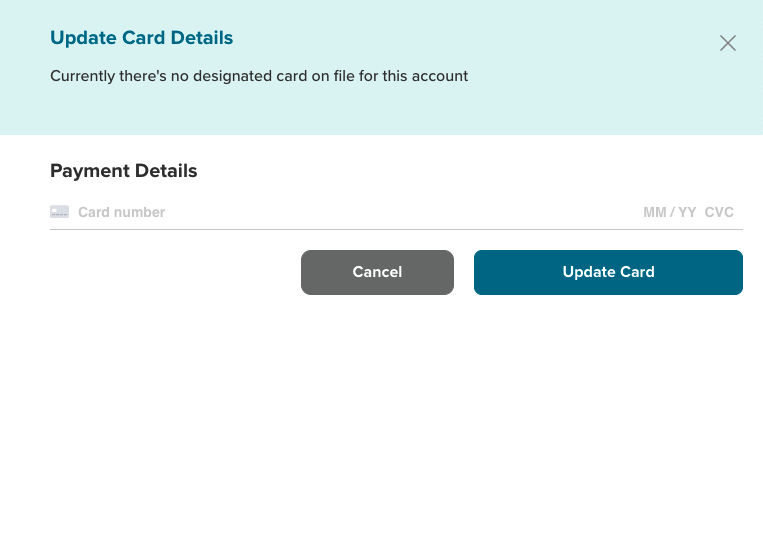
Update Card Details
On this screen, you can update your billing information by entering your debit/credit card information and clicking the "Update Card" button.
Clicking the "Cancel" button will erase all pending actions.
**Note: The messaging modal will inform you when there is no card on file. Click on the "X" link to remove the messaging modal from your screen.