View Member ID Card(s)
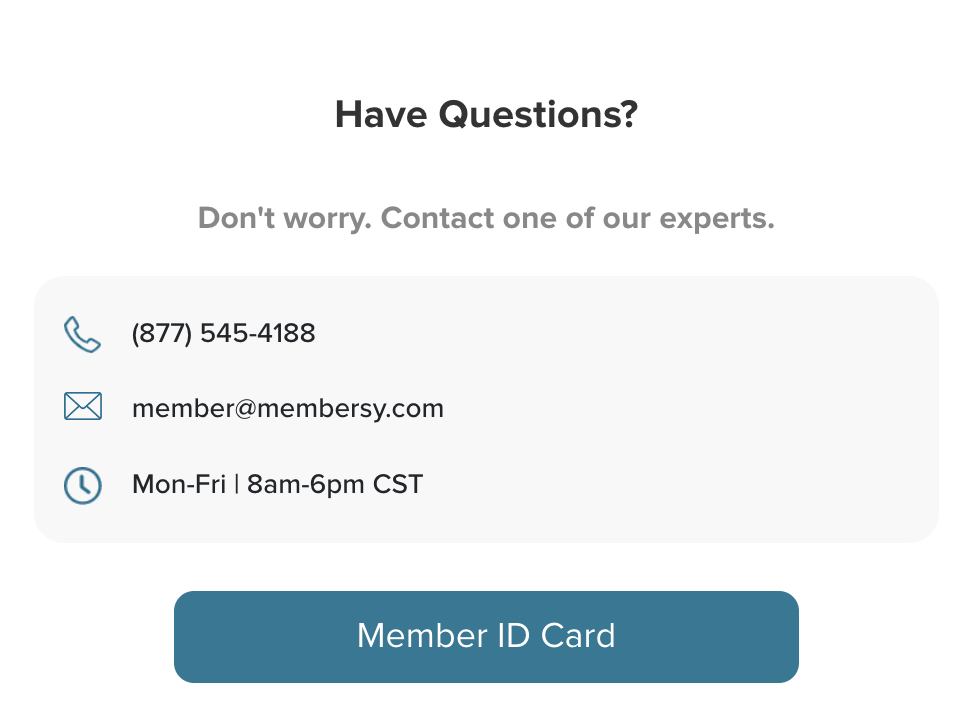
You can view your Member ID card by clicking on the "Member ID Card" button.
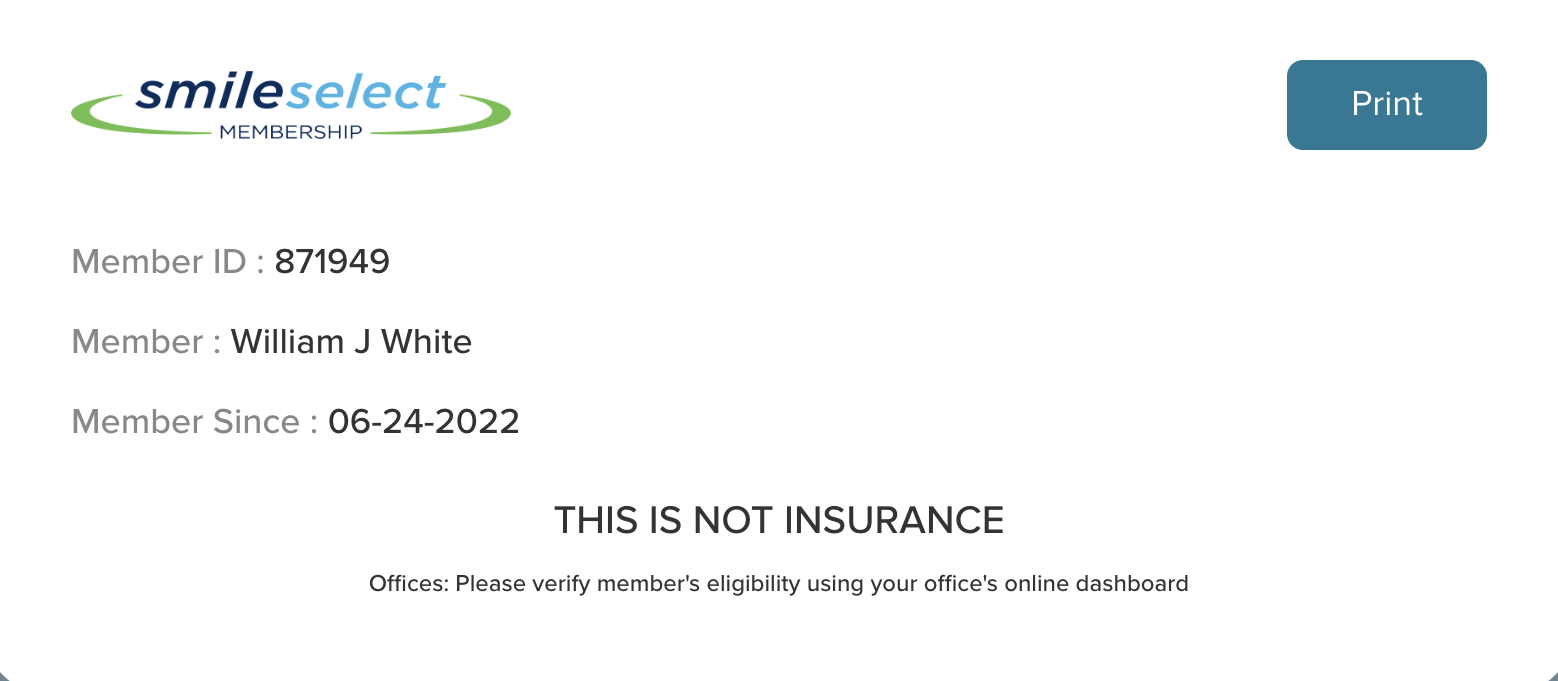
Digital ID Card
After clicking on the "Member ID Card" button, the Member ID Card screen will appear digitally.
Print Member ID Card(s) Screen
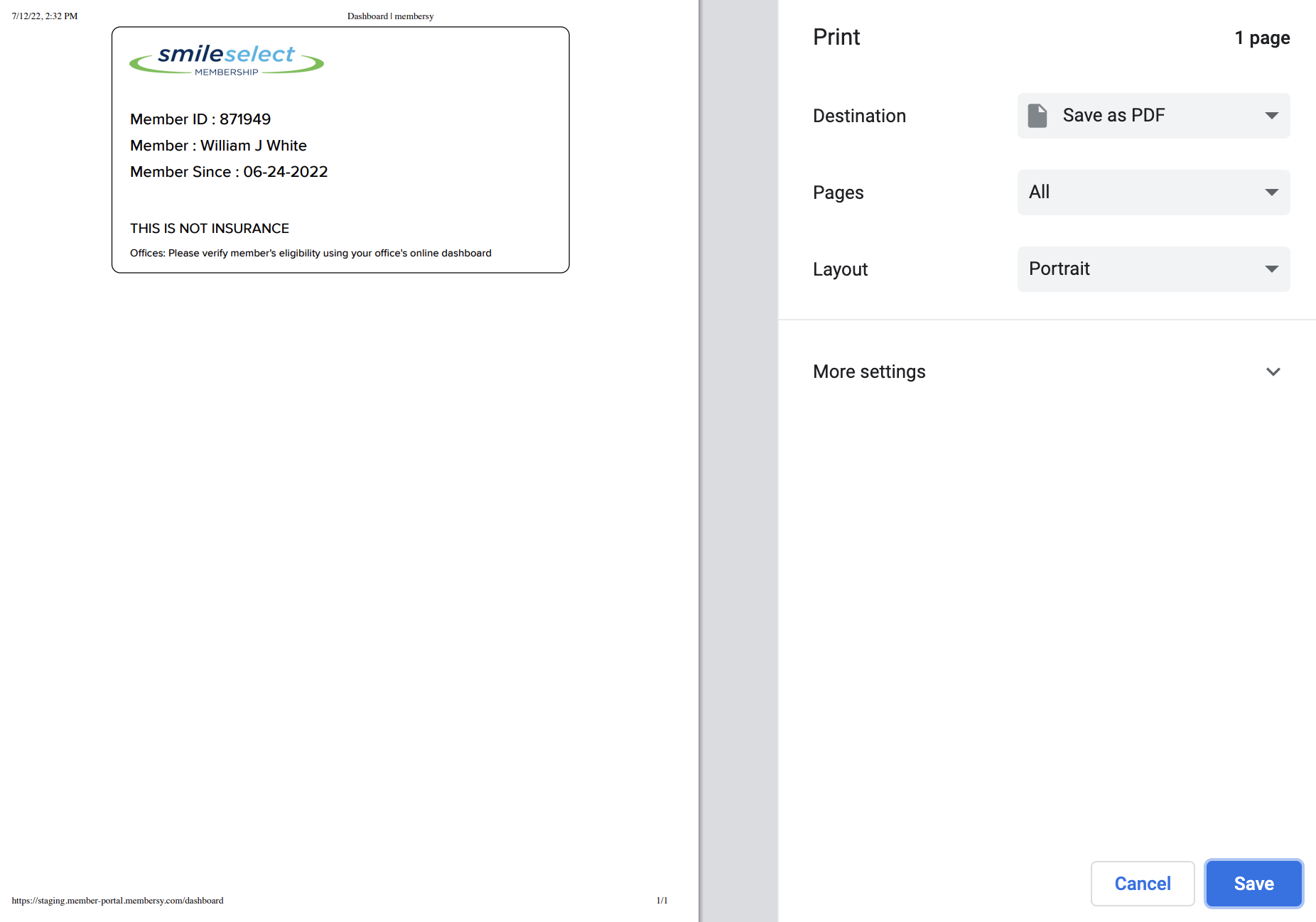
Clicking the "Print" button on the "Digital ID Card" screen will navigate you to the "Print ID Card" screen.
Clicking the "Save" button on the bottom right will save your Member ID Card on your computer.
Clicking the "Cancel" button will navigate you back to the "Member ID Card" screen.