Edit Account Details
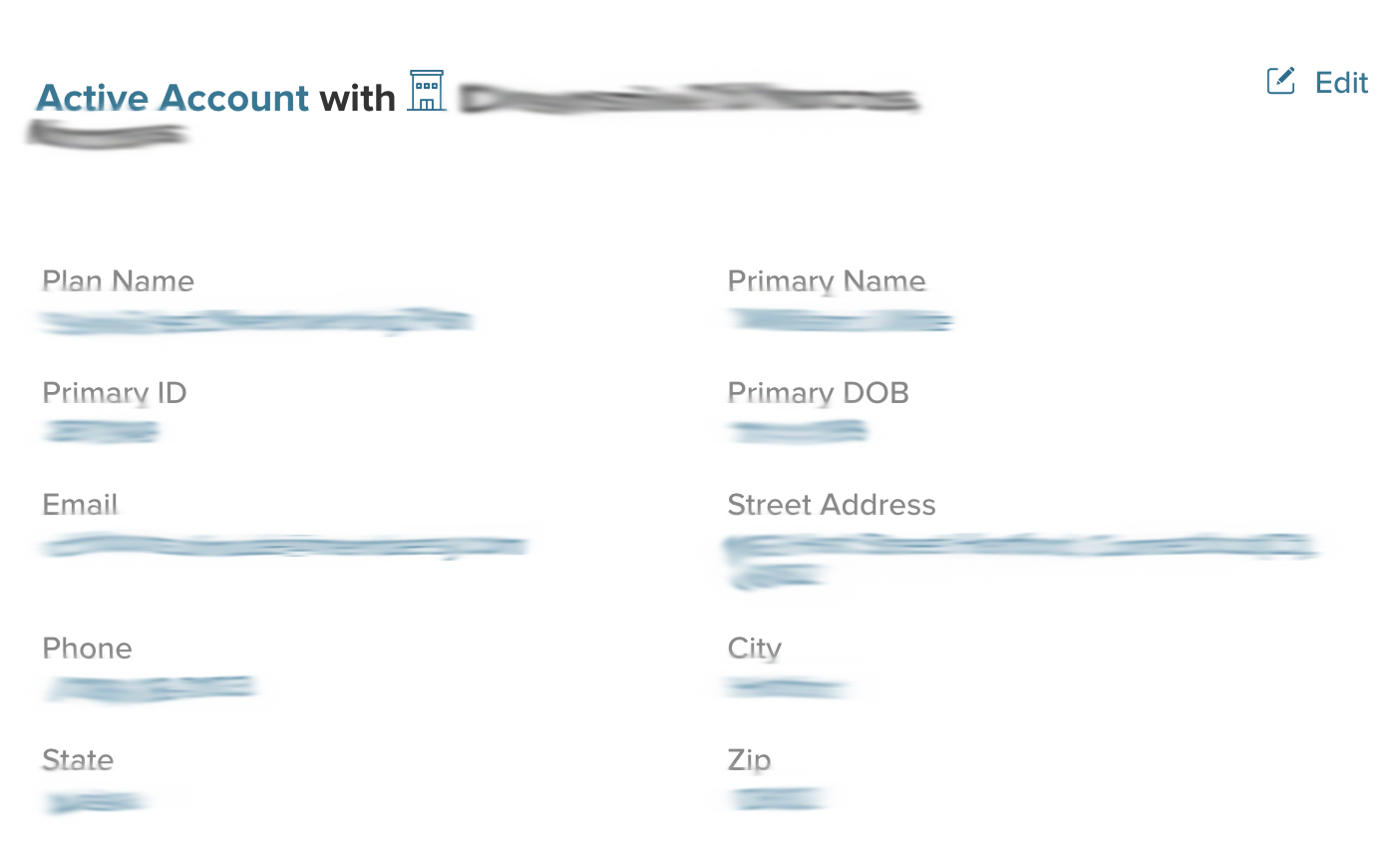
To edit your account details, including your name and contact information, simply click on the "Edit" link to the right of the"Active Account" tab in your Member Portal.
Update Primary Details
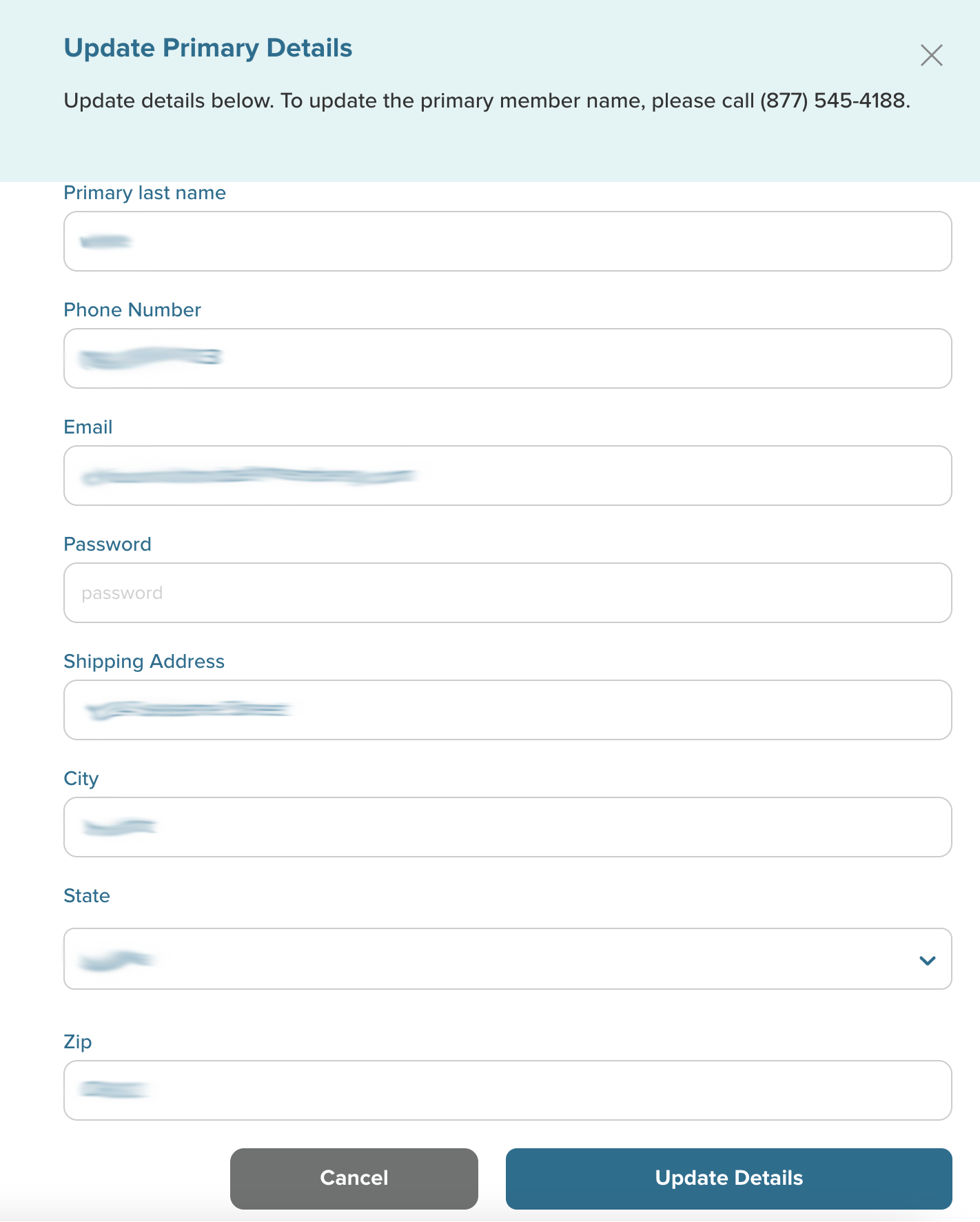
After selecting the "Edit" link, you will view the"Update Primary Details" screen. This is where you can make changes to your account info. *Note: You can call our Toll Free Number at (877) 545-4188 and our Customer Support Specialist will be happy to assist you.
Be sure to click the "Update Details" button when you're done to endure that all changes are saved.
Clicking the "Cancel" button will navigate you back to the Member Portal screen.