
Marketing Materials
The Marketing Materials screen allows you to view and request more branded marketing collateral, including posters, brochures, and rack cards.
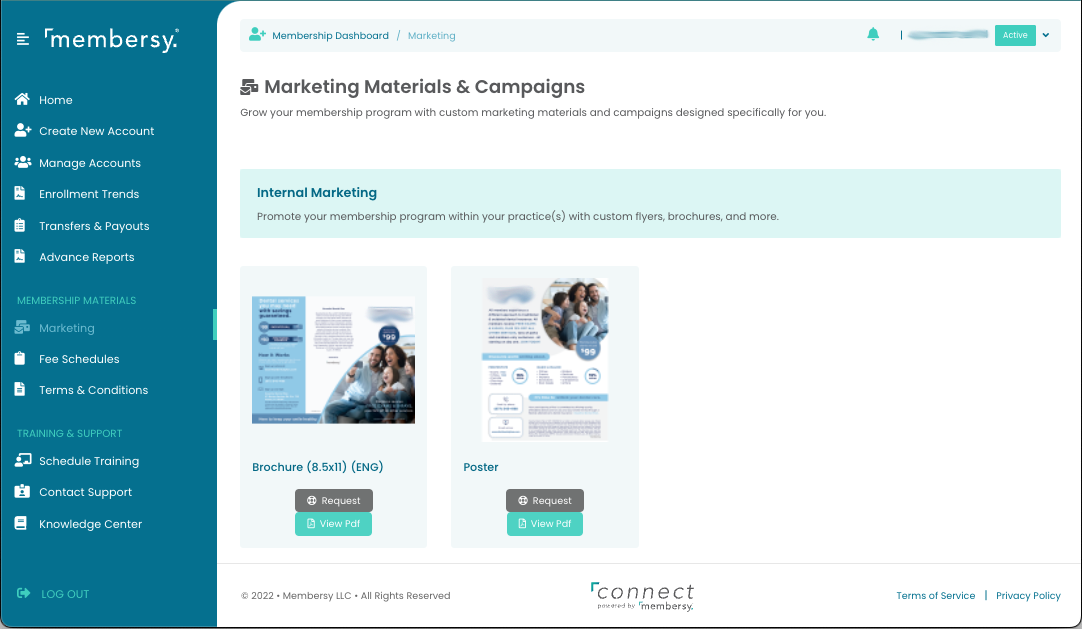
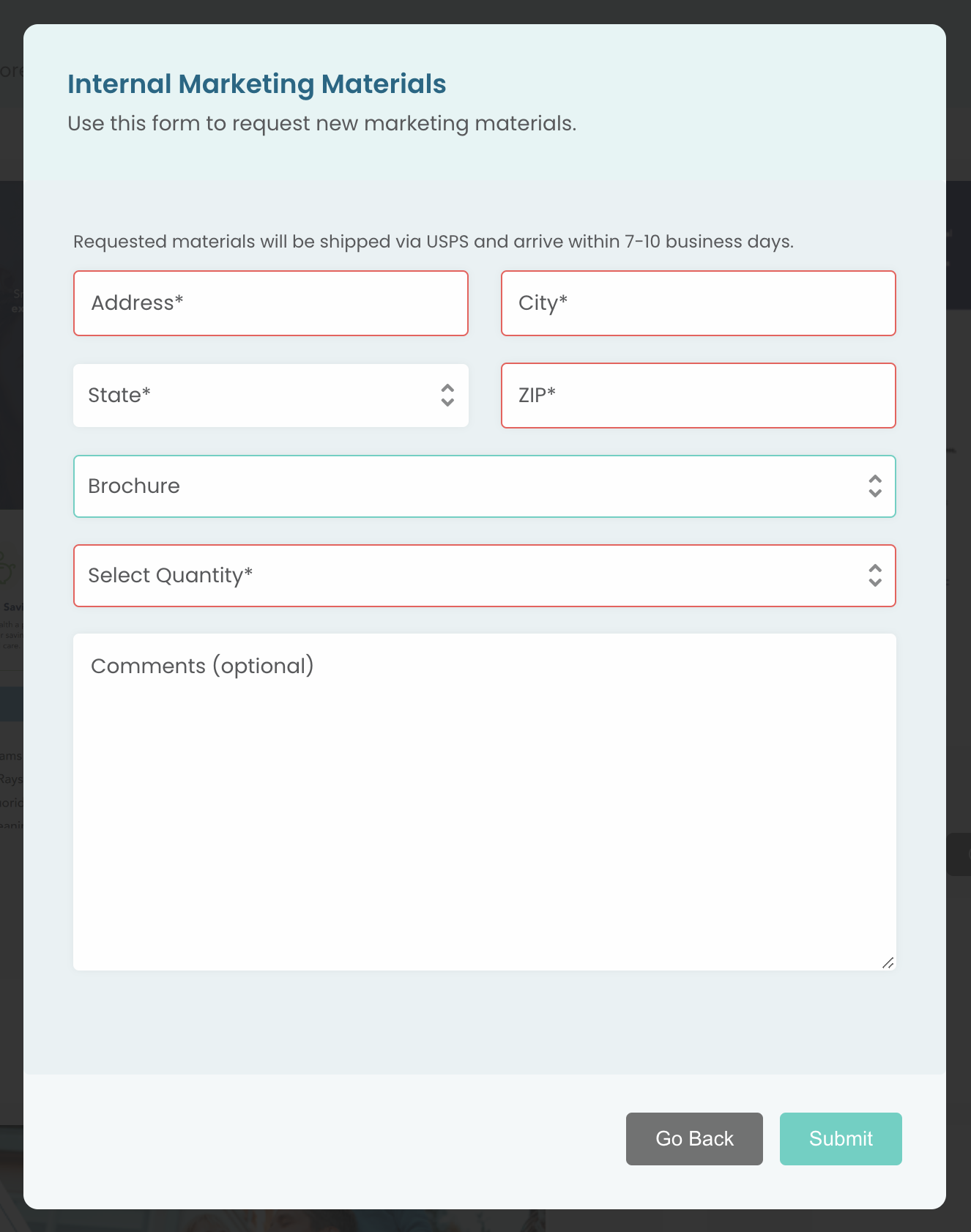
To order more copies of a given marketing collateral, click on the "Request" button below the particular item, fill out the request fields, and click on the "Submit" button.
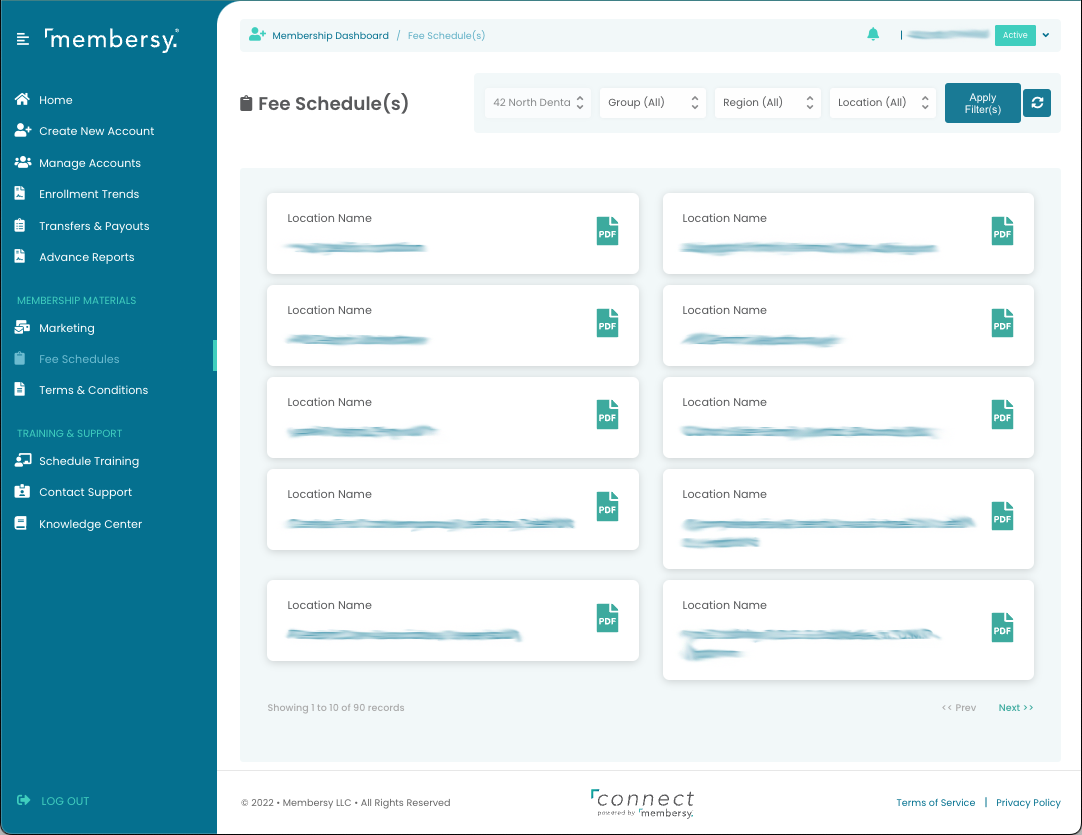
Fee Schedule(s)
The Fee Schedules screen lists the PDF fee schedules associated with your plan. Click on the PDF icon to view and print a fee schedule.
Terms & Conditions
The Terms & Conditions screen shows the Terms & Conditions PDF document for your plan. Click on the "PDF" button to view and print it.
