
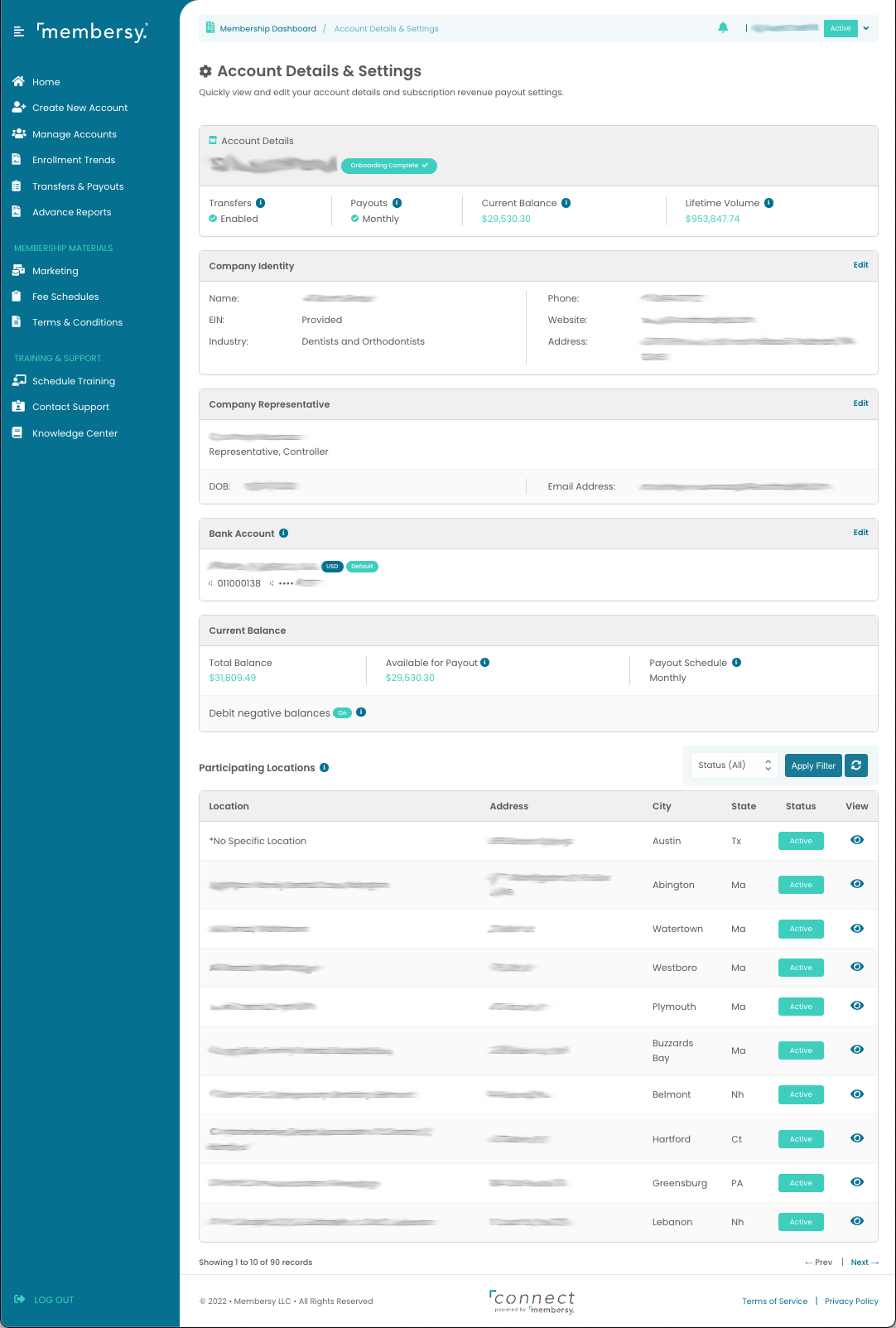
The Account Details & Settings screen shows information about your user account in Connect, as well as information about the organization level your user account is associated with.
Account Details
The Account Details section shows high level information about how your plan is doing, as well as the account balance available to be transferred to your bank account.
Company Identity
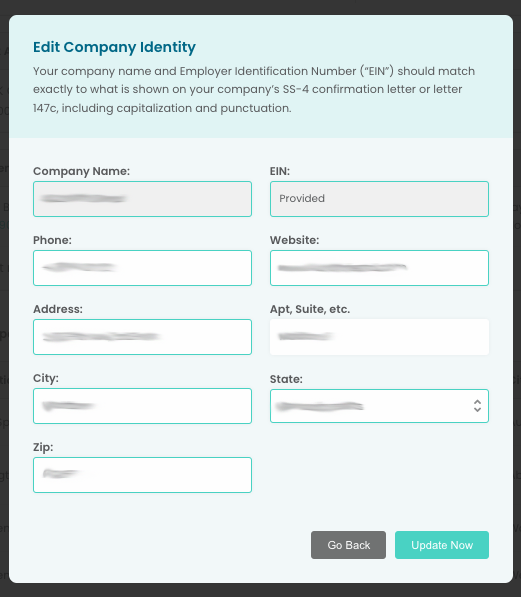
The Company Identity section shows the information for the organization level your account is associated with. Click on the "Edit" link to change the company details.
Company Representative
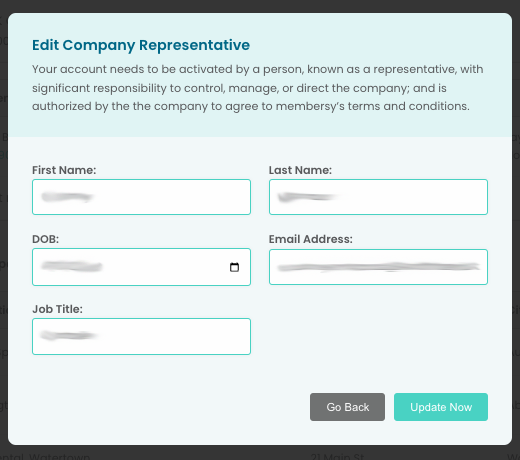
The Company Representative section shows the contact information for the designated bank account holder. Click on the "Edit" link to change this person's contact information.
Bank Account
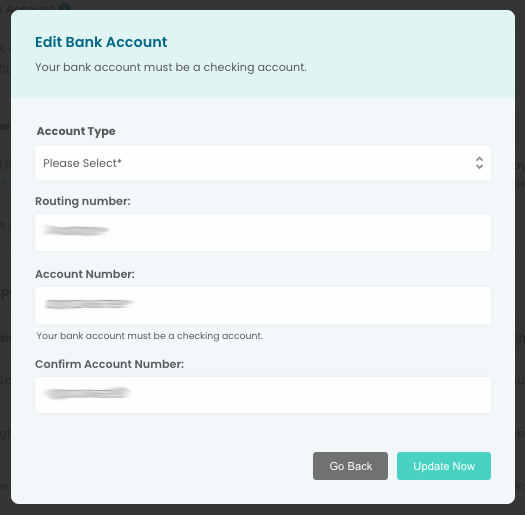
The Bank Account section shows identifying information regarding what bank account is associated with your organization for purposes of paying out commission distributions. To change the bank account details, click on the "Edit" link in the upper right.
Current Balance
The Current Balance section shows the details of the current balance of your organization's connected account.
Participating Locations
The Participating Locations section provides a list of locations under the level your Connect user account is associated with.